

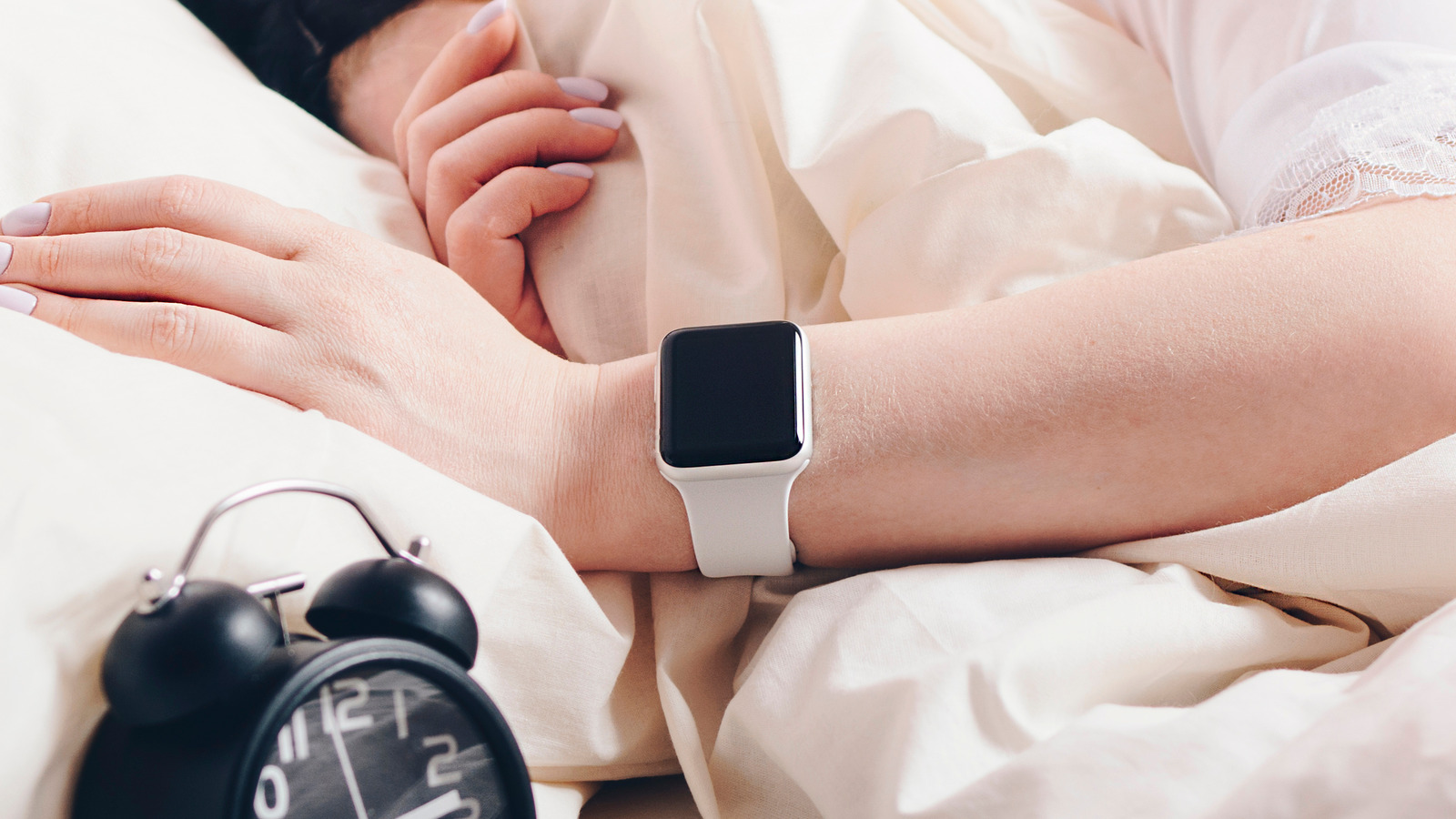
Disabling the snooze function on your Apple Watch is as simple as setting an alarm, albeit with perhaps one extra step. You can do it at any time you have access to your Apple Watch to ensure your morning wake-up call is as definitive as it needs to be.
Open the Alarms app on your Apple Watch.
Tap on an alarm time that you’ve already set up.
Disable the snooze toggle under the alarm’s label in the alarm’s settings
With the snooze toggle disabled, the next time your alarm sounds, you’ll only have the option to dismiss it entirely. Technically, this could still be used to go back to sleep, but if you’re not going to stick to your alarms, that’s more of a you problem than an Apple Watch problem. To make a more foolproof alarm, try placing your Apple Watch out of your immediate arm’s reach of your bed instead of putting it on your nightstand or wearing it to sleep.
You can switch your Apple Watch to nightstand mode to help it function more like a traditional alarm clock if you still need to be able to see the time at night. As a reminder, your Apple Watch’s alarm can be snoozed or dismissed using either the screen or its physical buttons. When the alarm is sounding, pressing the digital crown will snooze, while pressing the side button dismisses the alarm. If the snooze is disabled, though, the digital crown won’t do anything.

