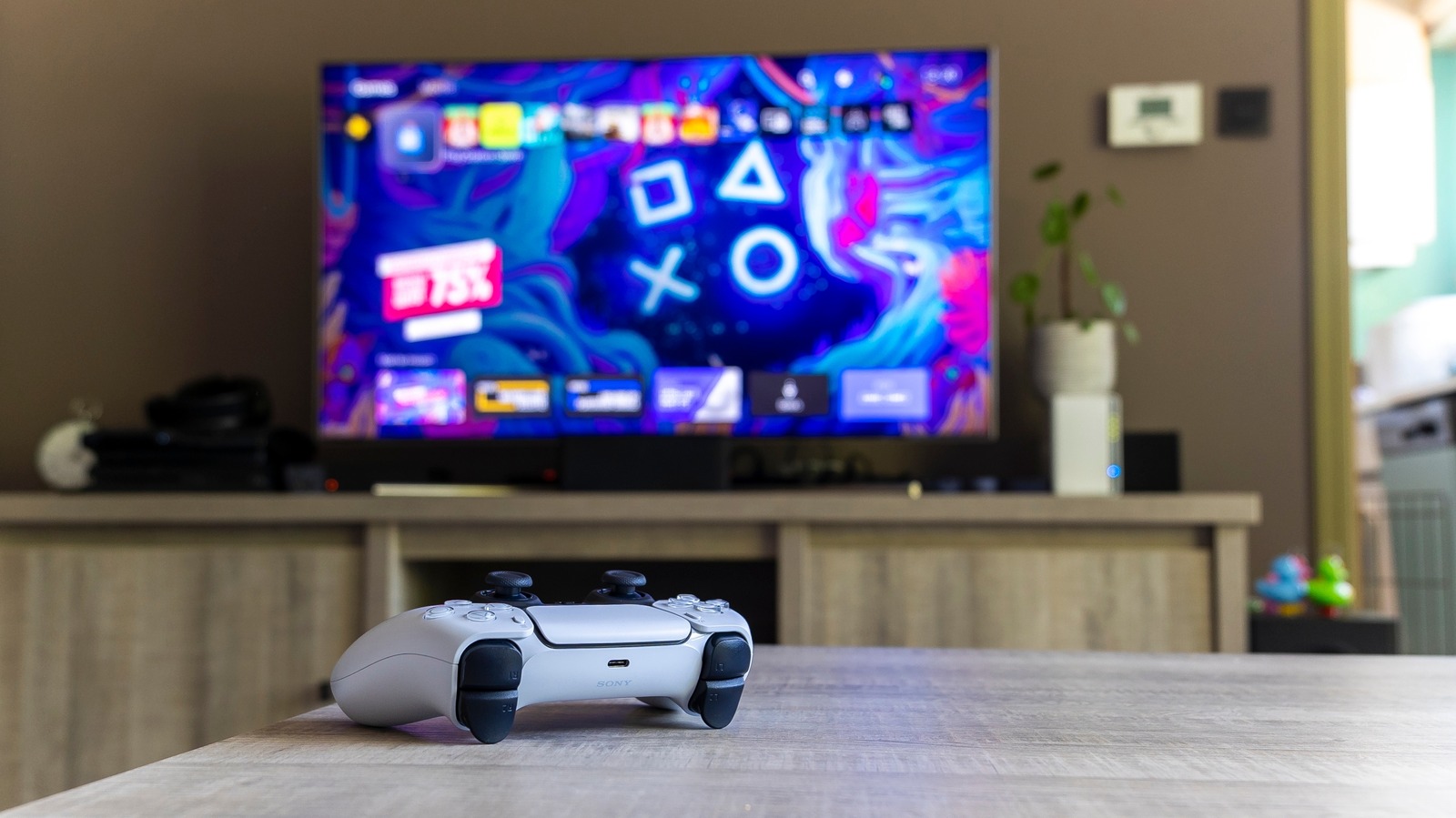
When you collect a trophy while playing a game, your PS5 is automatically set to snap a 15-second clip that captures the moment you earned the trophy. It can be super fun to relive the exact moment you earned an in-game trophy, especially if it was a particularly difficult trophy to earn. However, the PS5 only has so much internal storage, and these little 15-second trophy videos can quickly add up, eating away at your precious storage.
Of course, you can regularly go through your in-game screenshots and trophy videos to delete them, ensuring you keep the most important ones. Or, you can disable automatic trophy clips altogether. Then, if you’re working towards a specific trophy, you can temporarily turn this back on or simply press the Share button to see, trim, and share your last 15 minutes of game footage.
To edit automatic trophy clips or screenshots, find the Captures and Broadcasts section in your PS5’s main settings. Then, scroll down to Auto-Captures and select Trophies. Here, you can simply change which trophy grades you want a screenshot or clip for — Platinum, Platinum and Gold, Platinum, Gold, and Silver, All Trophy Grades, or None. By changing this setting to just Platinum, you can still capture the super difficult, important trophies, while avoiding unnecessary storage of lower trophy grades.