

A somewhat meta way of sharing your images is through the SNS Share feature within the INSTAX camera app. This allows you to pull from your recently-printed photos, mat the virtual print against a colored background -– or even a collage of images from your camera roll –- and share the virtual print on social media.
I went a bit old-school, by taking photos of my digital camera, my iPhone, and the INSTAX Square Link with my 35mm film camera. I then had my local photo shop develop the film and scan the negatives, which I then uploaded to my camera roll so I could print an image with the INSTAX Square Link. A rather roundabout way to get an image, but I was bored.
If you want to be a bit more in the moment, you can forego your phone’s default camera app and use the INSTAX Camera function within the app. Flipping to selfie mode, activating a flash, setting a self-timer, or even adding an old-school date stamp to the image is but a screen press away.
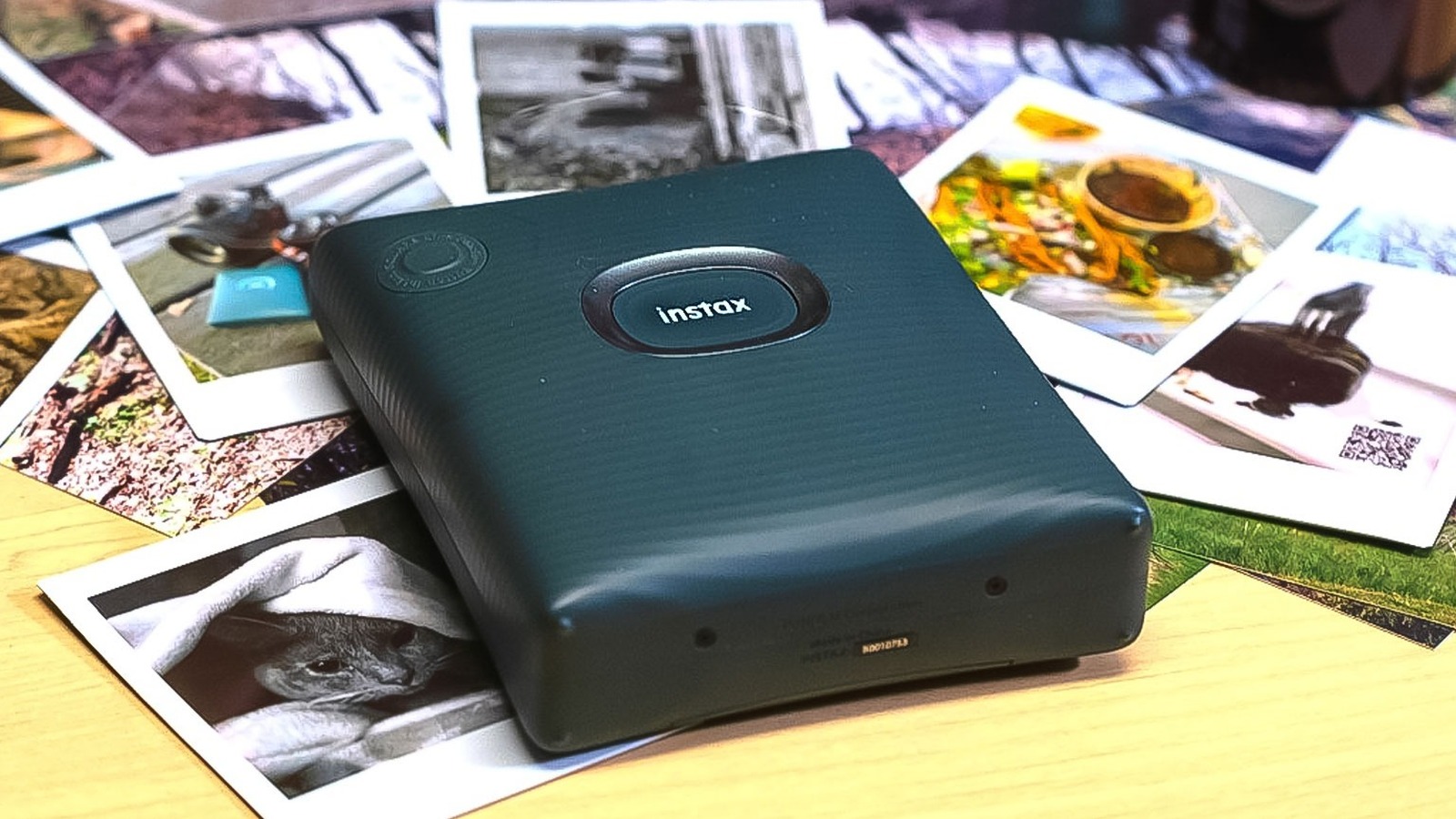
The INSTAX Square Link printer is compact enough that slipping it into a bag is a cinch. At just over four inches long, an inch and a half thick, and five inches wide, it’s not much larger than the phone you’re keeping in your pocket anyhow. It has but two buttons on the face. Holding the main central button down for a second wakes the device, and will also power down the unit –- five minutes of inactivity will shut it down as well to preserve battery life. After printing an image, pressing that central button once again (assuming the power hasn’t cycled off) will reprint the last image.

