

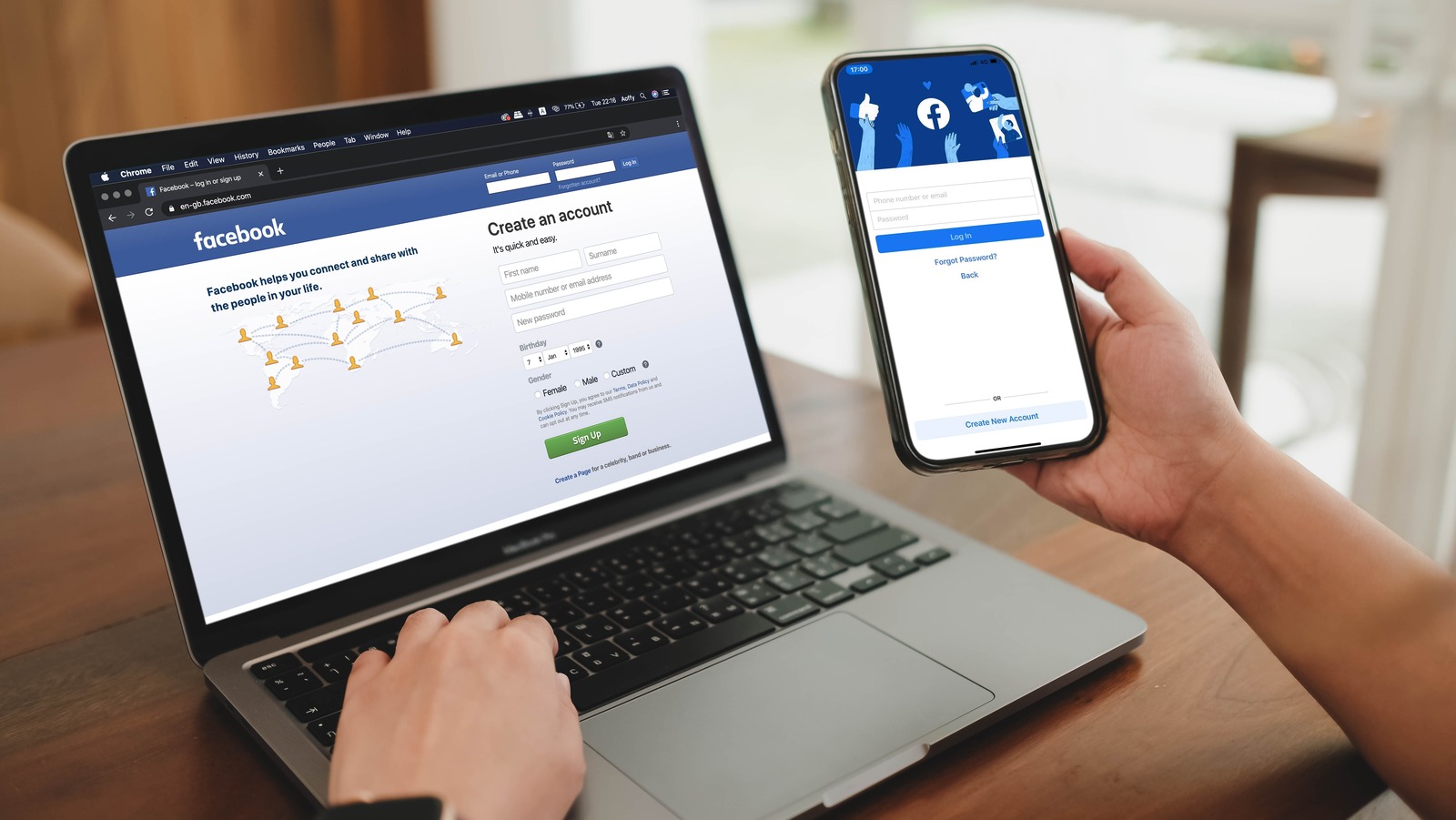
Having too many people in your Facebook network is not always a good thing. The app’s news feed usually shows newly added user profiles more frequently, burying the posts of people you friended back in the early days of the social media platform.
To ensure that you primarily see relevant Facebook content going forward, consider removing people whose posts you don’t interact with or care about that much. A good rule of thumb is that if you haven’t interacted with a person’s posts or messaged them in the last six months or so — and also haven’t manually visited their profile — it may be time to eliminate them from your Facebook friends list.
To do this, go to your Facebook profile and select the Friends tab on a computer or tap See all friends on the app. If there’s anyone on the list you don’t recognize or don’t care to keep in touch with, hit the three-dot icon next to their name and select Unfriend. Alternatively, on the mobile app, you can tap Manage and hit Unfriend next to people’s names.
After removing a Facebook friend, you’d have to add them back (or vice versa) to regain access to their protected posts. If you find deleting Facebook connections too dramatic or awkward, you can choose the Unfollow option instead so you can stay friends and not have to see their Facebook posts on the main news feed. This can be done through the process previously mentioned — only you hit Unfollow instead of Unfriend — or by hitting the three-dot icon in the top-right corner of their Facebook entry and choosing Unfollow when you come across it through the main news feed.

