

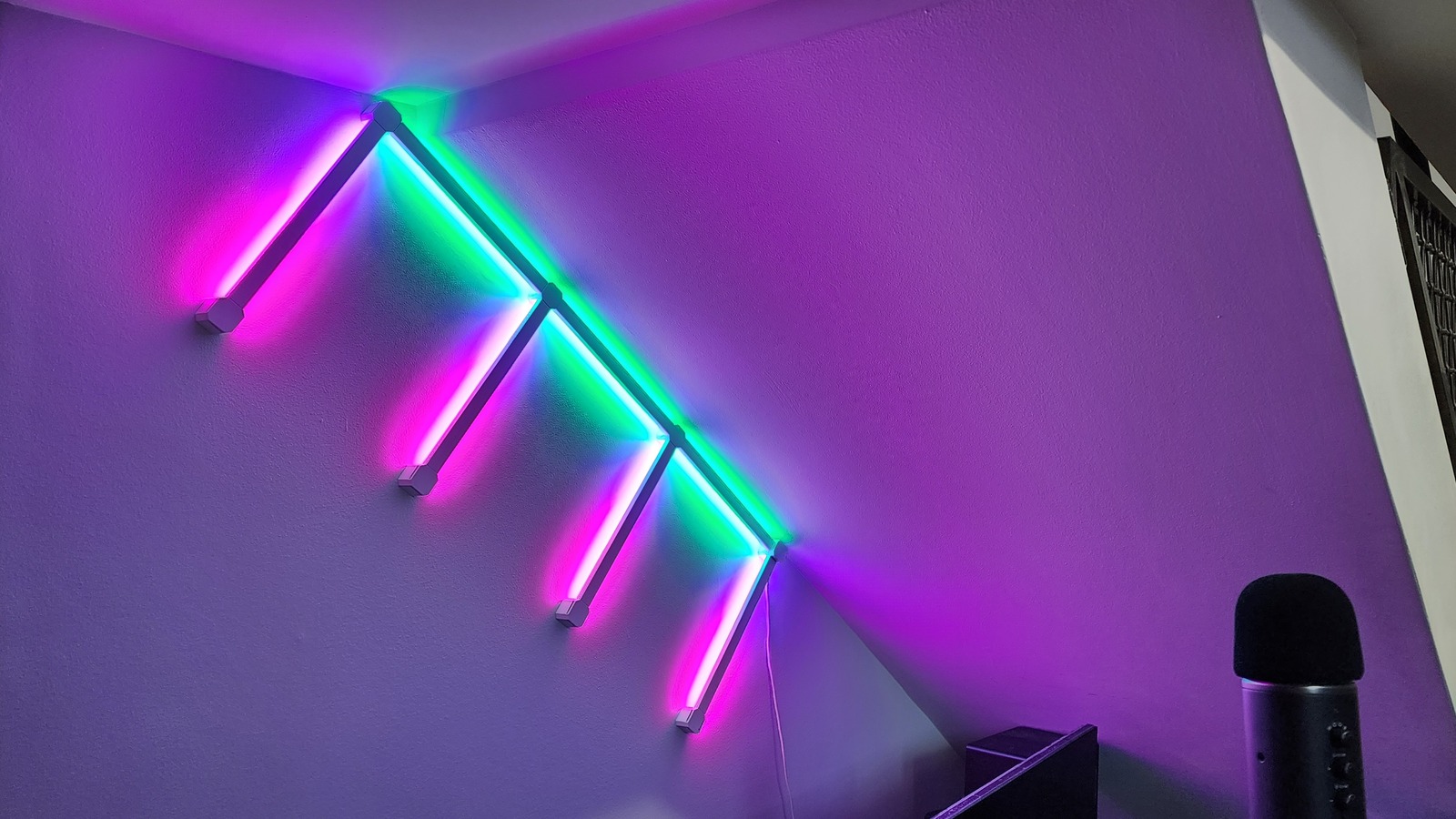
Whether you’re working with Nanoleaf’s square Canvas lights, triangle and hexagonal Shapes lights, or the Lines/Lines Squared lights bars, a big part of the attraction to these LED systems is the ability to arrange them in an original pattern of your own design. Don’t worry, however, if you’d rather just use a pre-planned design; there are many available to select.
Either way, it’s a good idea to take some time with the setup and decide upon the design before installing the lights on a wall, and the Nanoleaf mobile app for iOS or Android has a Layout Assistant to help you along the way. Nanoleaf recommends figuring out your layout first on a flat surface like a table or floor. If you’re using the app’s Layout Assistant, it can recommend designs based on the number of Lines Squared or other lights you have and can even show you how it may look after installation using an augmented reality tool.
I tested the Lines Squared system using one Lines Squared Smarter Kit ($99.99), which includes four light bars, and a Lines Squared Expansion Pack ($69.99), which includes three light bars. The Smarter Kit also has a Controller Cap for hands-on, app-free control, a processor unit that includes a microphone for audio response, and an AC power supply.
After messing around with the admittedly cool Layout Assistant, I set it aside and figured out my own layout. Then I connected everything together while still on the floor and powered it up to make sure everything lit up, which it did. The Nanoleaf system can recognize new lights if you add them, and everything snaps on or off relatively easily. With everything in place, it was time for the crucial wall-hanging operation.

