

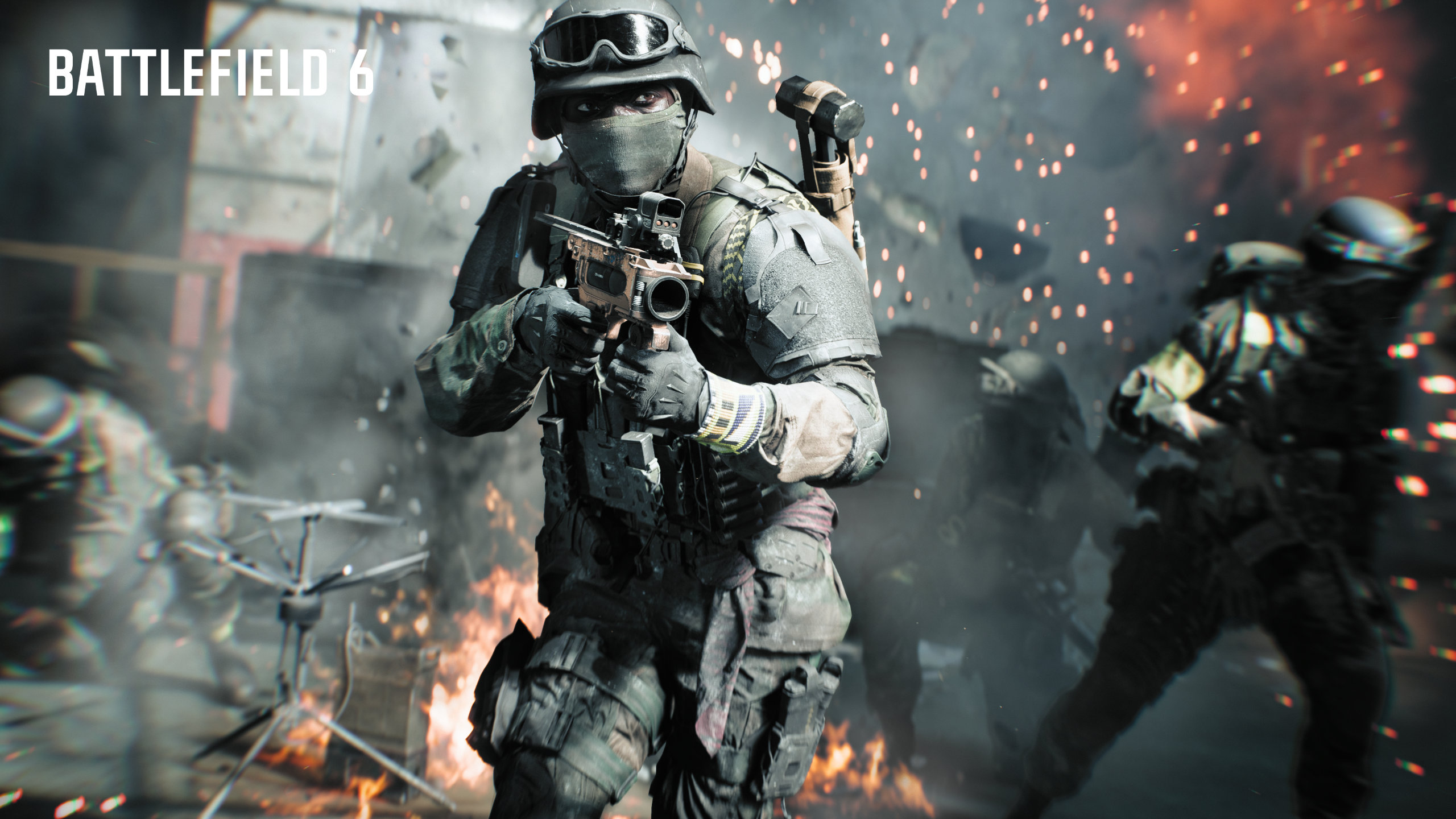
The Underslung Mount for Assault Rifles lets you use grenade launchers on your primary weapon in Battlefield 6.
Having an underslung grenade launcher on your weapon in Battlefield 6 sounds great. Unfortunately, it’s not clear how to use the thing. There are also some limitations on what the Underslung Mount actually does. Let’s break down how to use the underslung launcher.
How to use underslung grenade launchers
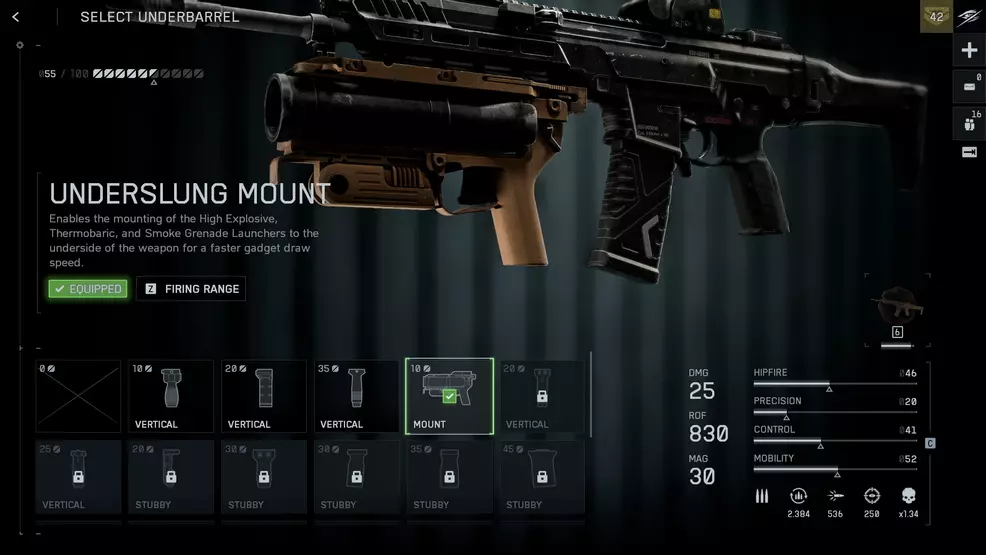
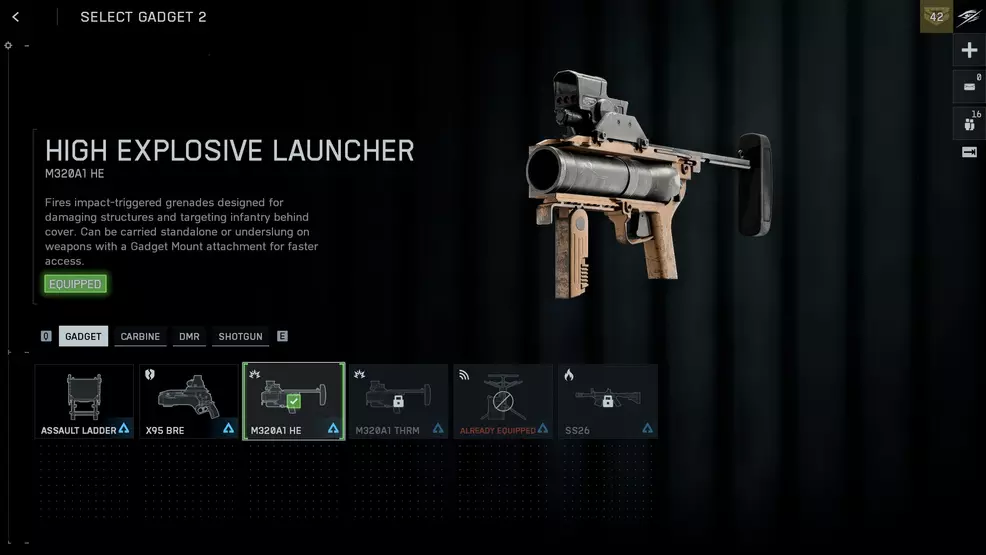
To use underslung grenade launchers on Assault Rifles, attach the Underslung Mount and equip one of the grenade launchers in the gadget slot. You must have the M320A1 HE (high explosive), M320A1 THRM (thermobaric), or M320A1 SMK (smoke) equipped in a gadget slot otherwise the underslung attachment will not work. When in combat, press the 4 key or D-pad right to switch to the underslung launcher.
Source: Shacknews
Source: Shacknews
The key takeaway here is that the Underslung Mount does not give you a free grenade launcher. It simply speeds up the gadget draw speed, allowing you to fire off the grenades much faster than if you were only using the gadget. A world where the Assault can have three grenade launchers is simply too scary.
Now that you know how the underslung grenade launcher actually works on weapons, it’ll be up to you to decide whether or not it’s worth the point investment. Read over our Battlefield 6 Strategy Guide for more help uncovering the buttons and systems in the game.