

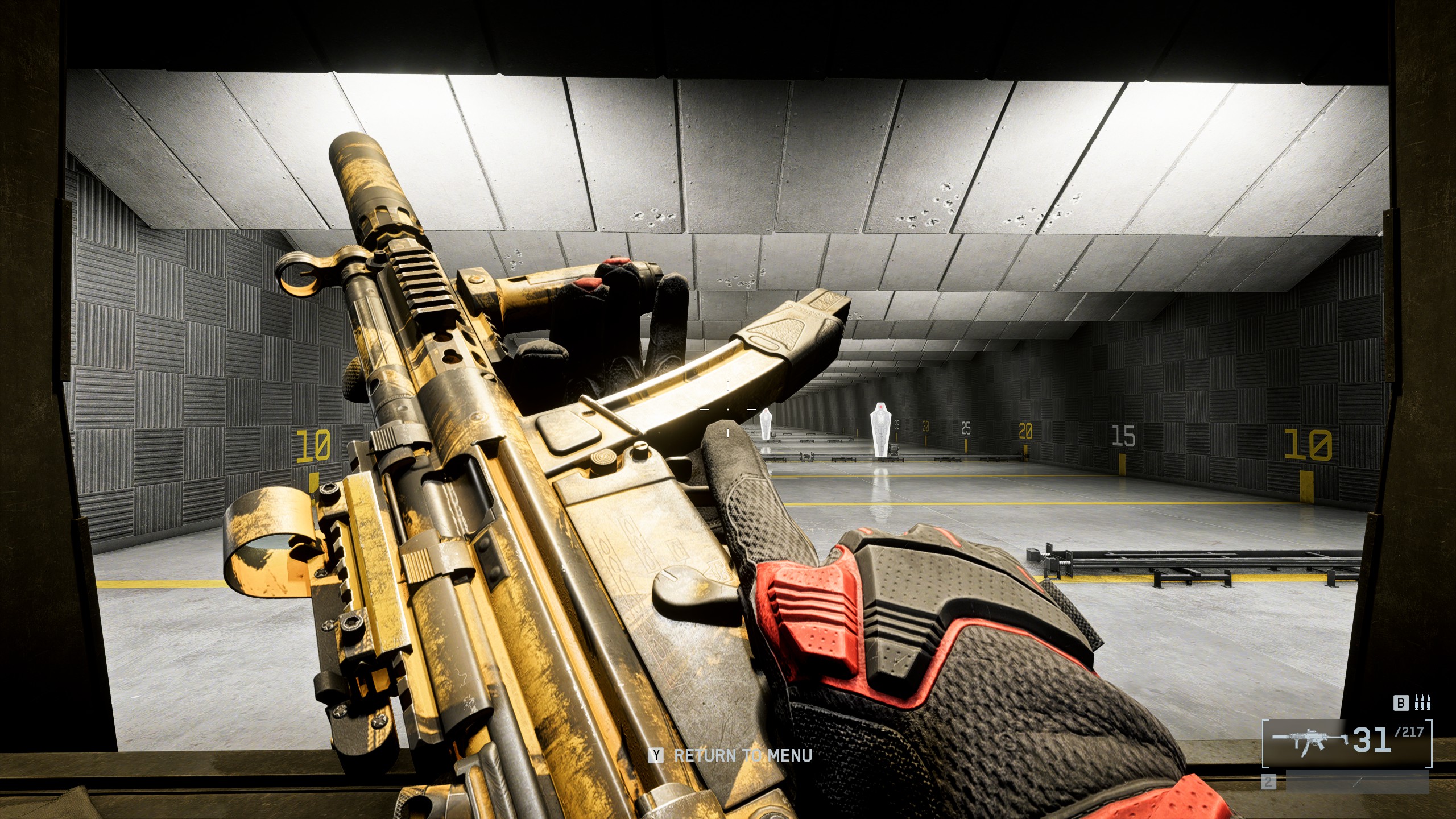
Take a break from combat in Battlefield 6 to inspect your weapon to see how the skin, charm, and sticker look.
You spend so long leveling up a gun’s Mastery that sometimes you can forget to take a moment and enjoy your hard work. Next time you’re in the field of battle, inspect your gun and see how the skin shines in the sunlight. Here’s how to inspect your weapon in Battlefield 6.
How to inspect your weapon
To inspect your weapon, press the I key on PC and then move your mouse to flip and turn the gun. For controller players, hold right on the D-pad and use the right thumbstick to rotate the weapon. You can flip the weapon left and right, tilt it up and down, and move it all around. You can walk and crouch while inspecting, but other inputs will return your weapon to its ready state.
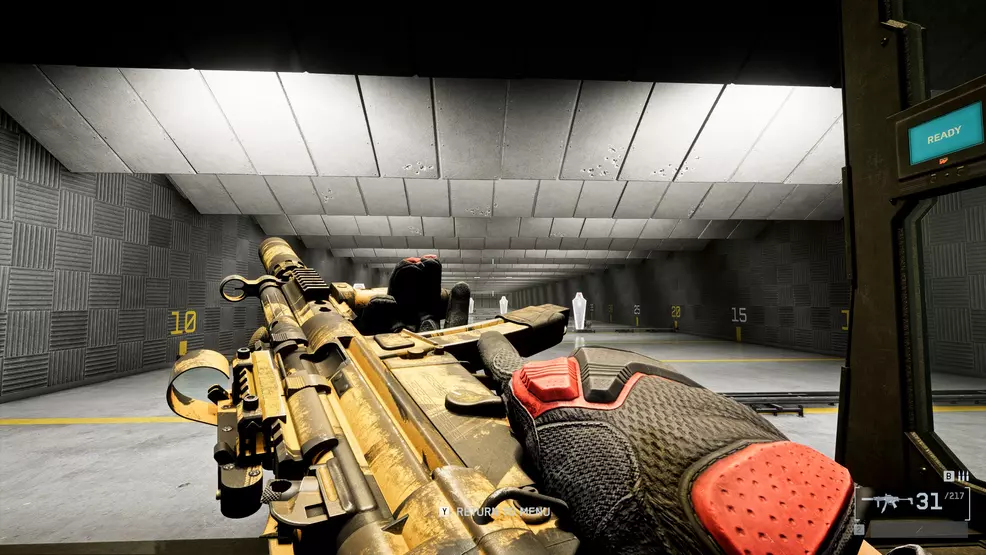
Source: Shacknews
There’s not much more to inspecting your gun than this. It’s really just so you can check out how a new skin looks, enjoy the dangly charm, and see what sticker you’ve got. But, it’s at least something you can do while walking to a capture point or holding a corner.
Battlefield 6 has a bunch of other well-hidden controls and odd systems that aren’t clear. For instance, spotting enemies and using the range finder can be slightly more complex than you first assume, or at the very least, not well explained. We’ve got more helpful tips in our Battlefield 6 Strategy Guide.