

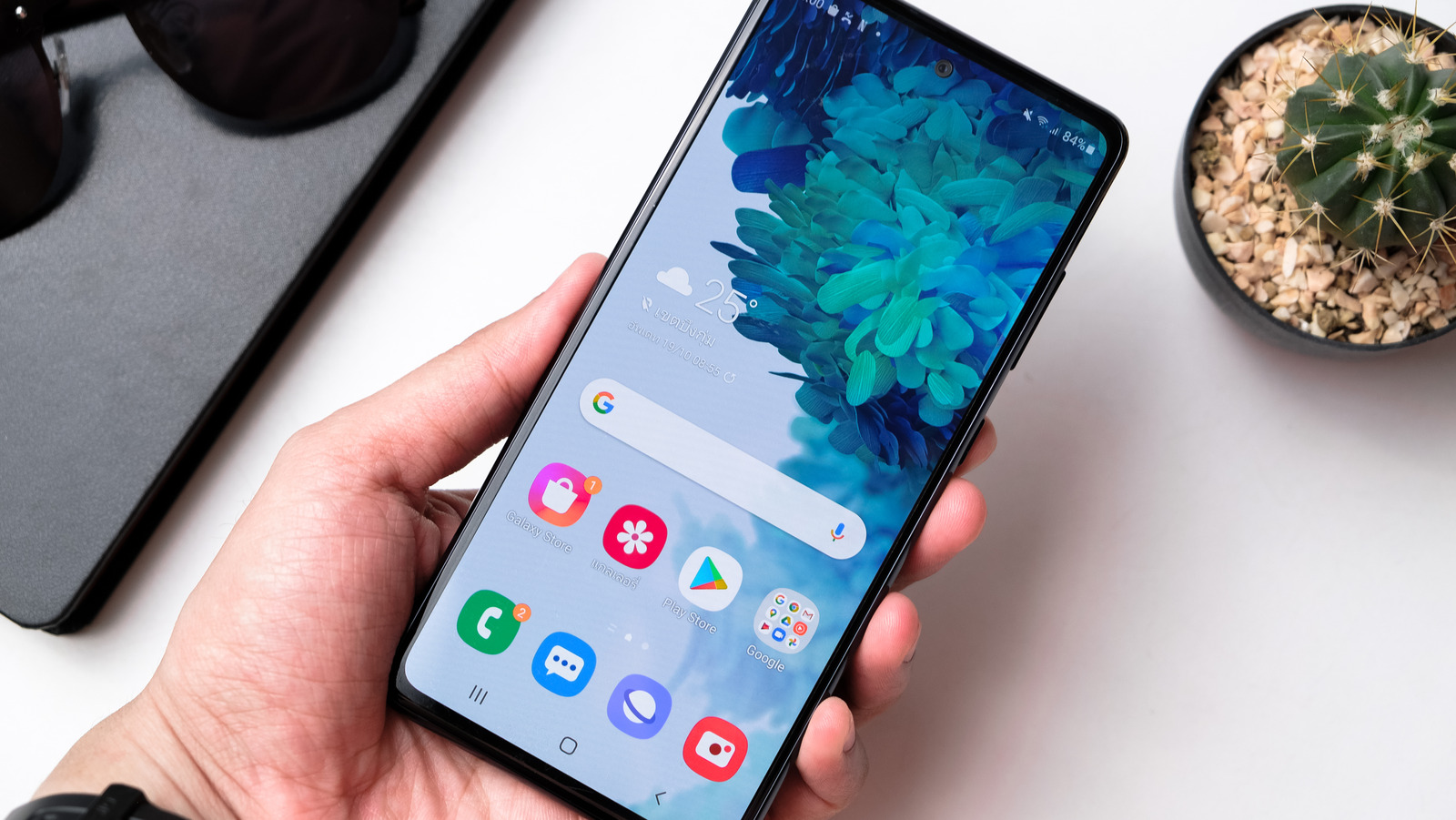
To reset the home screen to the default appearance, you must clear the data stored by your phone’s launcher, as the launcher stores the home screen layout, where you’ve placed the app icons, the folders you’ve created, and the widgets you use.
It is important to mention that every Android phone has a different launcher associated with its operating system. For instance, the South Korean tech giant Samsung’s phones come with the One UI launcher. Similarly, Google uses Pixel Launcher, while other brands have custom launchers. Here’s how to find out the launcher your Android phone uses.
- Open the Settings app.
- Select Apps.
- Head to “Choose default apps” on a Samsung phone, “Home app” on a Google phone, or a similar option on a phone from another manufacturer.
- Here, you should find the name of your phone’s default launcher.
Once you know which launcher your phone uses, you’re good to go.

